

See everything. Fix anything. Share nothing.
sapio365 gives IT teams total visibility and control over Microsoft 365 and hybrid AD. No PowerShell, no vendor cloud, no infrastructure. Your tenant data never leaves your environment. Ever.
Free, instant, fully functional trial. No credit card needed.
Some of the things you can do with sapio365
See every license: how it’s assigned, whether it’s used, what it costs you. Then reclaim the waste in bulk.
Give the help desk exactly the power it needs. Nothing more. Custom roles with granular scopes: delegate tasks, not credentials.
Every tenant, one window, one login. Cross-tenant reporting no one else can do.
200+ ready-to-run reports and jobs for onboarding, offboarding, and scheduled PDF reports. No scripts that “work until they don’t.”
From mailbox permissions to message trace to finding and removing a malicious email across every mailbox at once.
Find every anonymous sharing link across SharePoint and OneDrive, and destroy them in one operation.
And it’s built for teams: shared GridViews, shared jobs, and comments on live tenant data, so nobody duplicates work.

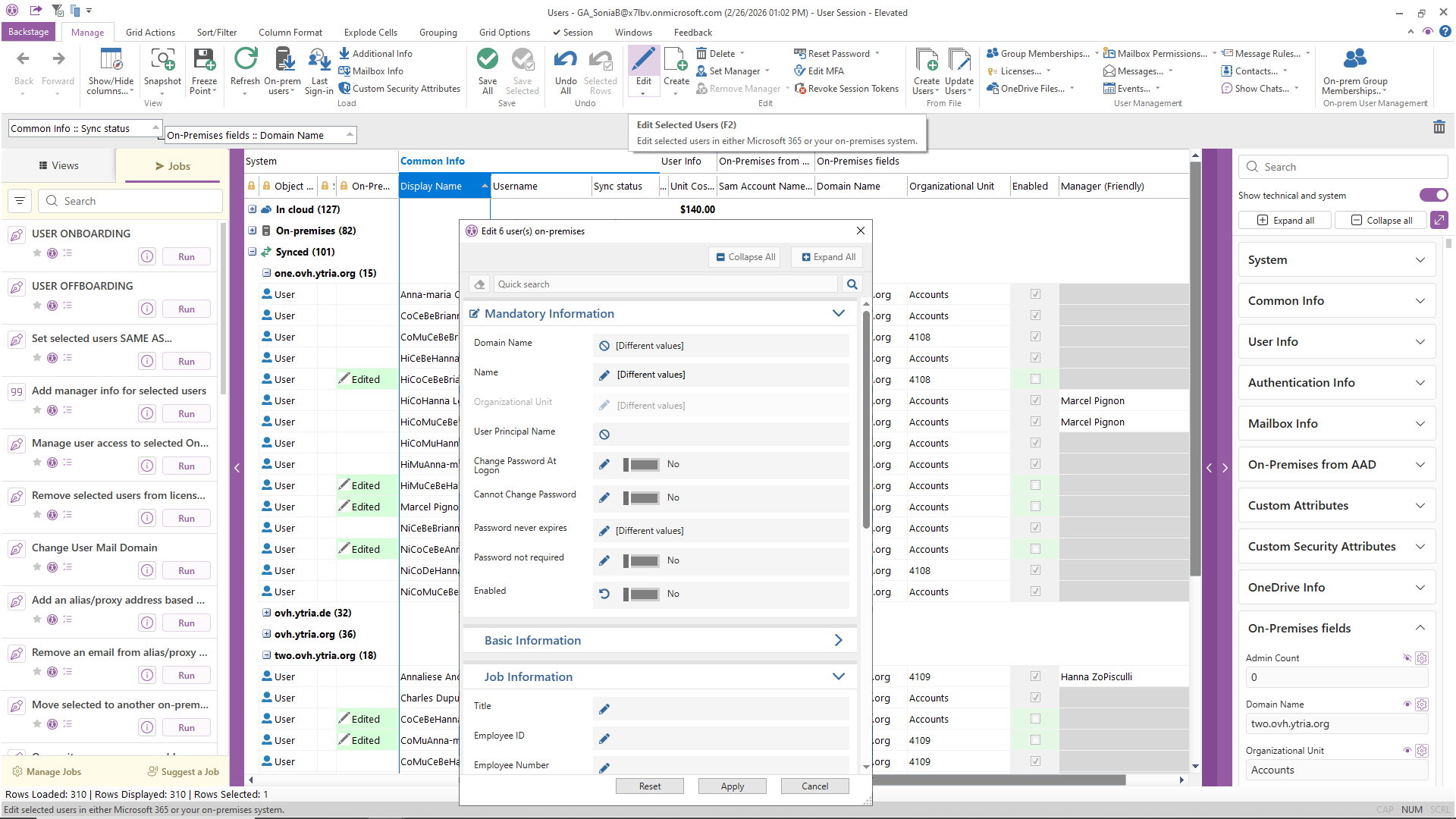
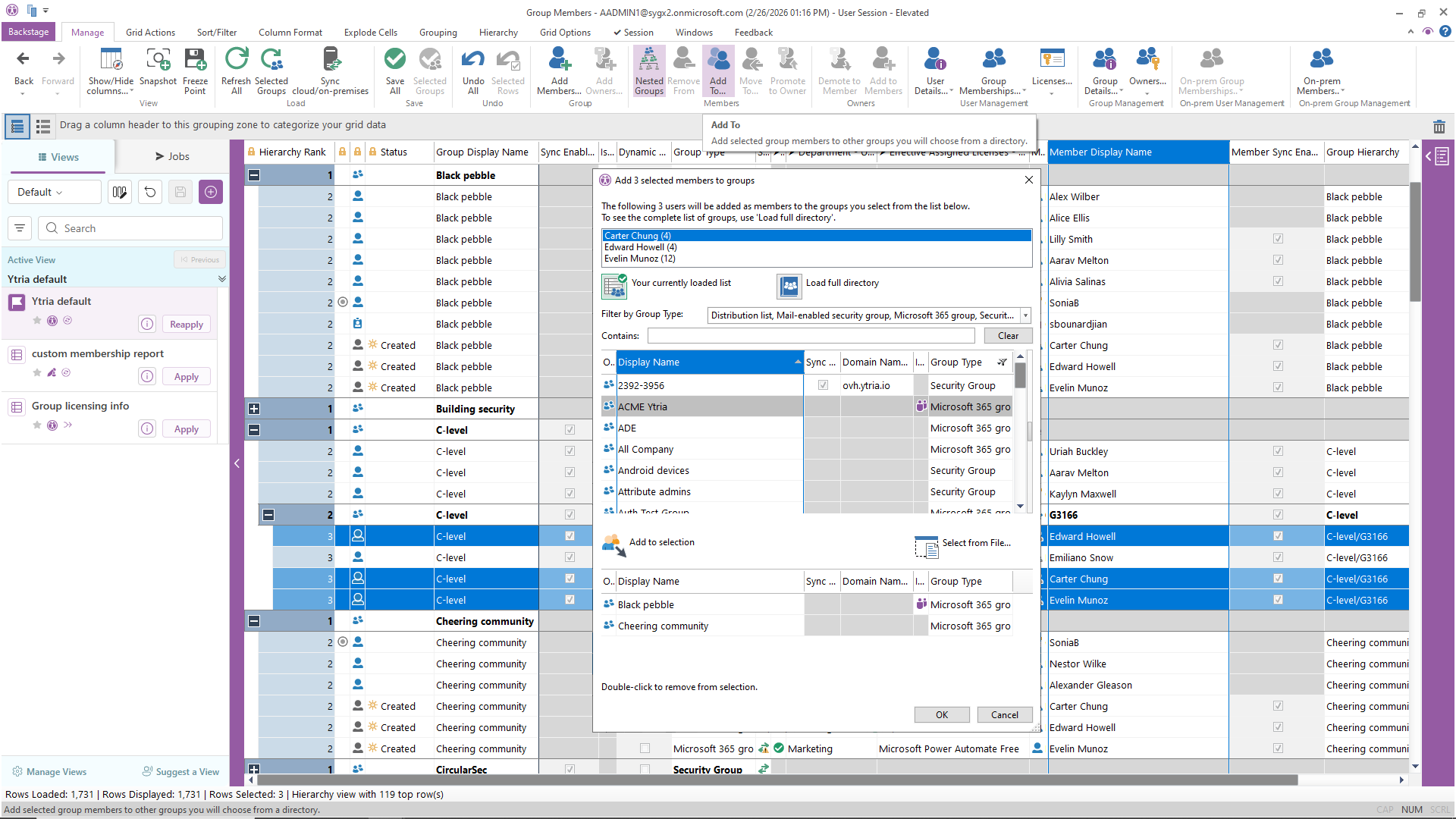
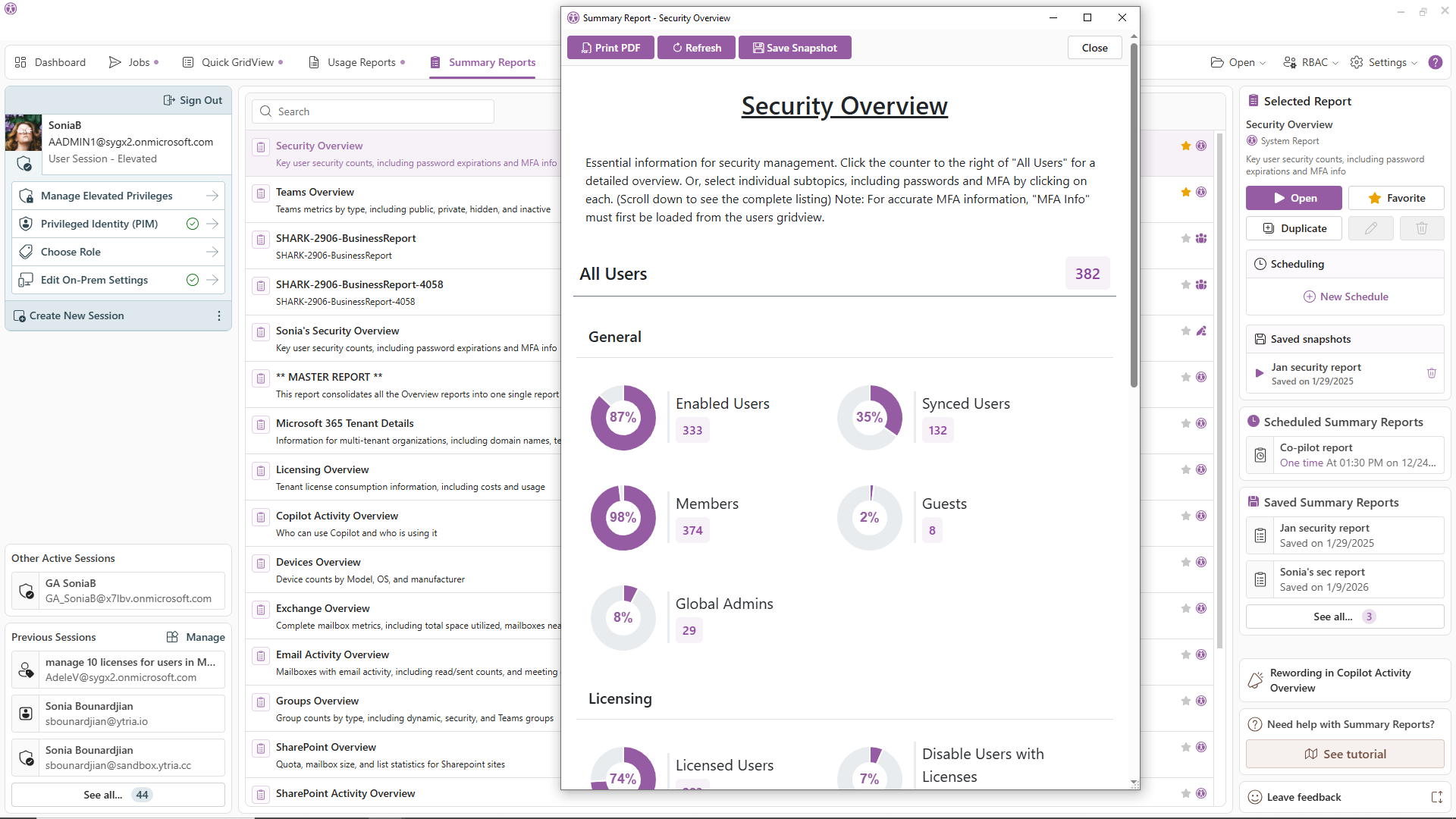
sapio365 makes Microsoft 365 administration faster, smoother, and far less stressful.
It brings everything together in one desktop app — no more jumping between multiple admin portals or clunky workflows.
With sapio365, you don’t have to juggle admin centers or rely on fragile PowerShell scripts. sapio365 offers one simple view for easy, no-code management.
You’ll gain clear data visibility, automated custom reports, and fast, secure bulk actions. This will speed up your work, reduce busywork, and eliminate errors.
What makes sapio365 unique?
sapio365 makes Microsoft 365 administration faster, simpler, and safer. One app instead of many portals, running entirely on your machine. No server required.
Global vision and reporting
See every user, mailbox, group, site, team, and setting from Entra ID, Exchange, SharePoint, Teams, OneDrive, and on-prem AD, all in one place, whether you manage one tenant or fifty. Answer questions no report was built for, then turn the answer into a scheduled report.


Curate and manipulate data with pinpoint accuracy
GridViews, sapio365’s patented grid technology, lets you sort, filter, group, and cross-reference hundreds of properties (300+ filterable, sortable, groupable) at once. Compare anything to anything, side by side.
Preview first, then make mass changes instantly
Bulk changes with a preview before anything commits. See exactly what will change, before anything does. The speed of automation with the safety PowerShell never had.


Your data is just between you and Microsoft
Everything runs locally on your machine and talks directly to Microsoft 365. No third-party cloud. No servers, yours to build or ours to trust. Ytria never sees your data. Not even the logs.
Others keep data local, or cover everything, or manage many tenants.
Only sapio365 does all of it, with no server to deploy.

AI is only as good as the data you feed it. Feed it the truth.
Every AI analysis starts with data, and sapio365 is where tenant truth lives. Clean, complete, current, cross-referenced data on your whole environment, ready for any AI your team uses. Processed locally, so grounding your AI never means feeding someone else’s cloud.
Real admins. Real results.
“We needed our time back. We have a limited number of administrators to handle so many groups and accounts. Once we discovered sapio365, it not only saved us time but it gave us capabilities we could only dream of. We can now focus on other tasks and solution-based projects. I haven’t found another tool that is able to do what sapio365 does.”
– Jeff Edison, Office 365 Administrator
Fulton County School
“Constantly switching between different Admin Center portals and logging into different accounts to manage each tenant was a huge headache and very time consuming.
Using sapio365 we have empowered our technicians to monitor and manage all customer tenants from single UI and a single login, reducing time spent by 50%.”
– Gerben Goede, IT Services Director
Camelot ICT Group
“Using sapio365 we were able to quickly spotlight inactive and disabled accounts that still had licenses assigned.
This enabled us to recover those licenses and save $12,000 a year. We are now doing a much better job of maintaining an accurate license inventory with regular audits using the built-in reports from sapio365.”
– Mark Gesick, IT Director
Ewing Outdoor Supply
These brands rely on sapio365

























Your time is valuable… get more of it.
Stop babysitting scripts that run with no undo. Close the other fourteen tabs. Everything the admin centers won’t show you — in one place, on your machine.
Up and running in three steps
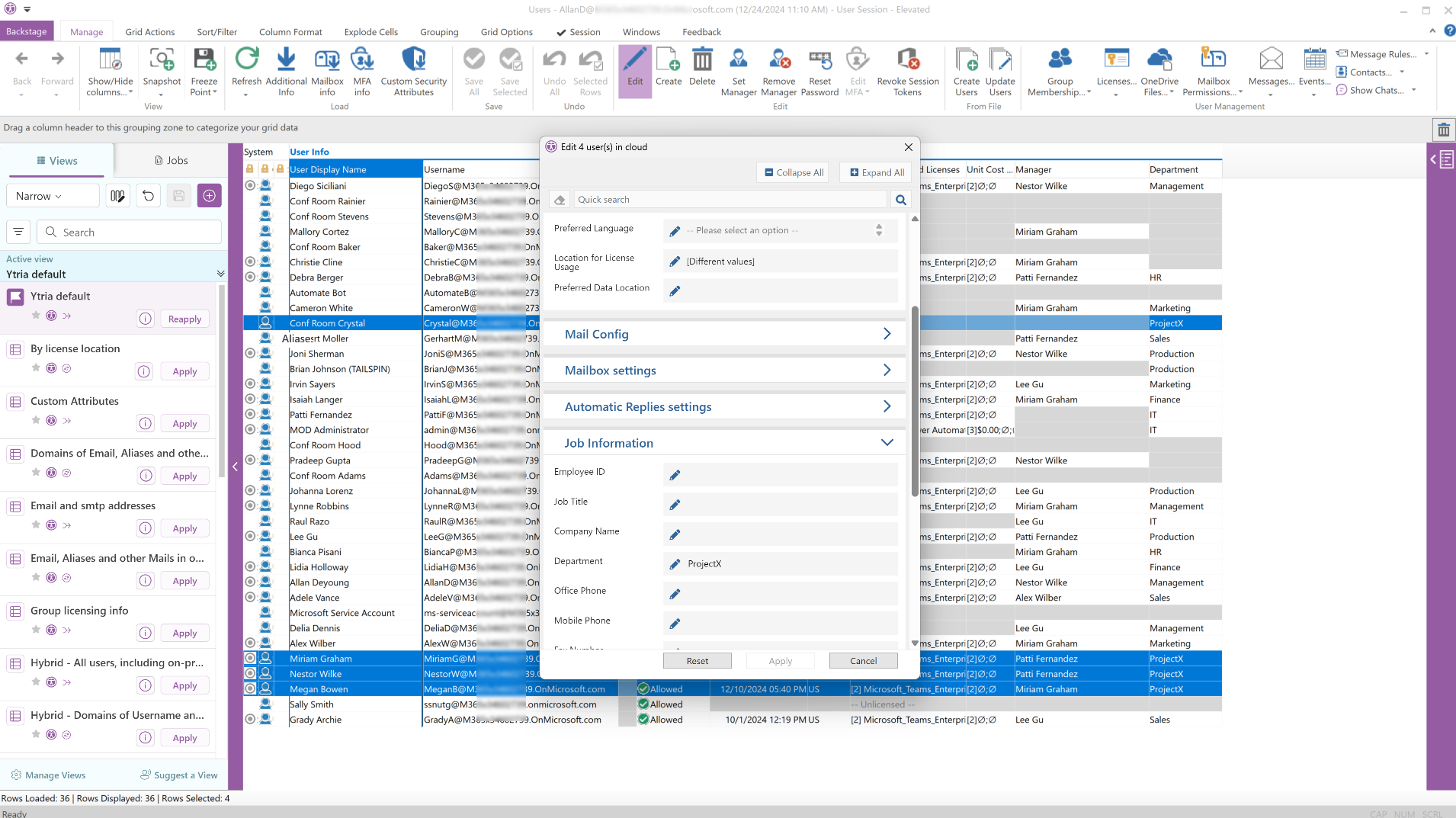
Your trial starts instantly and runs for 3 days, fully functional, no strings attached. Need more time? Just ask and we’ll extend it. Prefer a walkthrough? A Ytria product expert can explore your own tenant with you. Free, and entirely optional. No credit card. No cloud deployment. Your data never leaves your environment.